

Introduction
Visual communication has become one of the most effective ways to explain complex ideas. Whether you’re planning a project, brainstorming business strategies, preparing presentations, or organizing research, turning plain text into visual diagrams can significantly improve understanding and productivity.
This is where Napkin AI stands out. Instead of spending hours creating flowcharts, mind maps, or process diagrams manually, Napkin AI uses artificial intelligence to transform your ideas into clean, professional visuals within seconds.
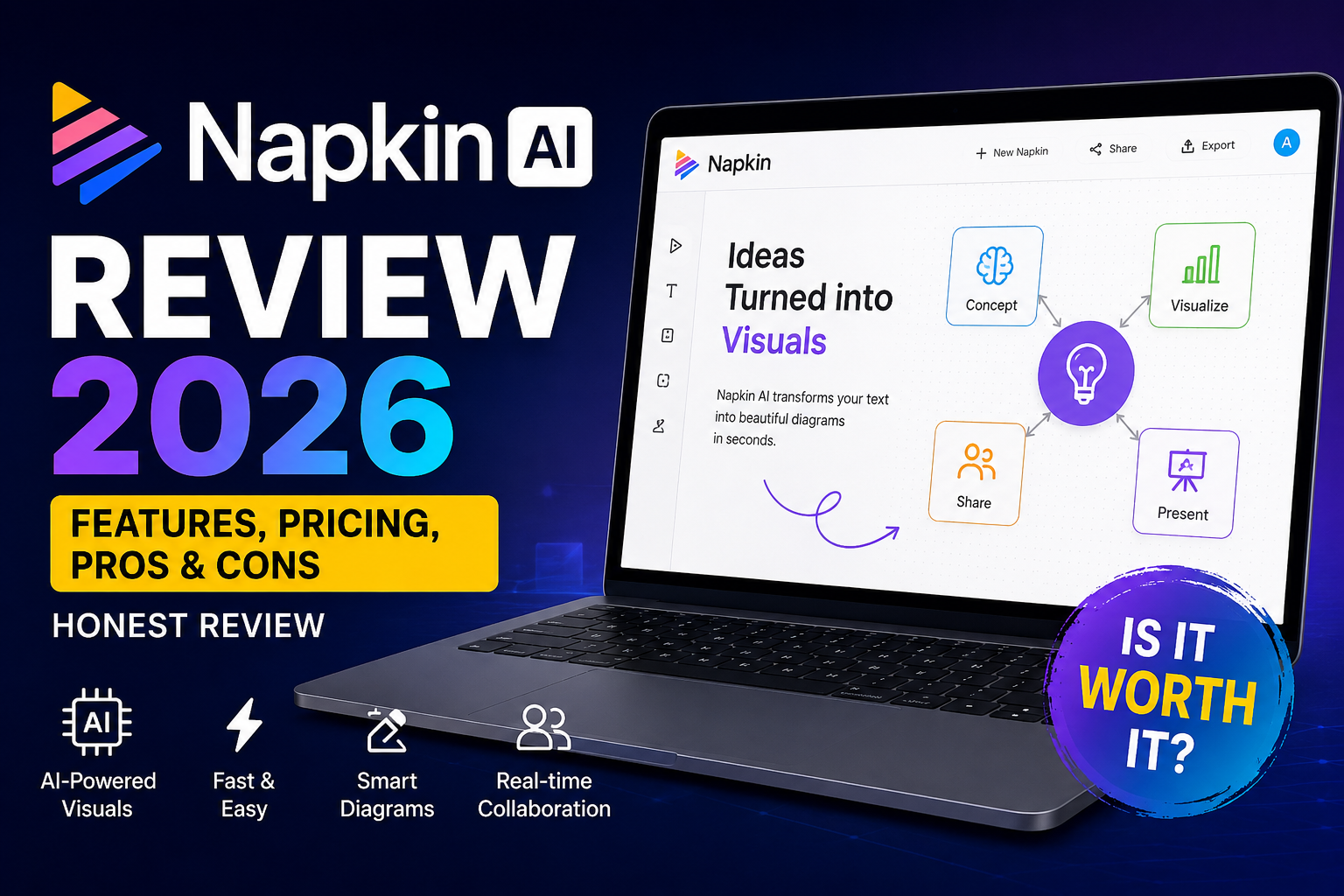
In this Napkin AI Review 2026, we’ll explore everything you need to know about the platform, including its features, how it works, pricing, strengths, limitations, and who should use it. By the end of this review, you’ll know whether Napkin AI deserves a place in your productivity toolkit.
You can also explore our Best AI Tools.
What Is Napkin AI?
Napkin AI is an AI-powered visual thinking and diagram generation platform that converts written ideas into professional-looking visual content. Instead of manually designing diagrams, users simply enter text, and the AI automatically generates structured visuals that are easy to understand and share. This Napkin AI Review 2026 found that the platform is designed to transform text into professional diagrams with minimal effort.
The platform is designed for individuals and teams who need to communicate ideas more effectively. It can generate:
- Flowcharts
- Process diagrams
- Mind maps
- Concept maps
- Visual summaries
- Business workflows
- Project planning diagrams
Its intuitive interface and AI-assisted automation make it suitable for beginners while offering enough flexibility for professionals.
Why Is Napkin AI Becoming Popular?
The demand for AI productivity tools has grown rapidly as businesses, educators, and creators look for faster ways to communicate ideas. Traditional diagram software often requires significant manual effort, while Napkin AI simplifies the process by letting AI handle the initial design.
Some key reasons for its growing popularity include:
- Faster brainstorming
- Automatic visual organization
- Clean, modern diagram styles
- Easy collaboration
- Time-saving workflow
- Minimal learning curve
These advantages make Napkin AI attractive for professionals who value speed and clarity.
Key Features of Napkin AI
One of the biggest highlights in this Napkin AI Review 2026 is its AI-powered diagram generation capability. Modern AI tools use advanced machine learning technologies developed by organizations like OpenAI.
1. AI-Powered Diagram Generation
The standout feature of Napkin AI is its ability to convert plain text into structured diagrams automatically. Simply describe your idea, and the AI generates an organized visual layout.
2. Smart Visual Thinking
Instead of displaying large blocks of text, Napkin AI organizes information into connected visual elements. This helps users identify relationships, priorities, and workflows more effectively.
3. Multiple Diagram Types
Depending on your content, Napkin AI can generate different visualization formats, including:
- Flowcharts
- Concept maps
- Organizational charts
- Process diagrams
- Frameworks
- Brainstorming layouts
This flexibility makes it suitable for various industries and projects.
4. Easy Editing
After generating a diagram, users can easily:
- Rearrange elements
- Edit text
- Change layouts
- Adjust colors
- Resize components
- Customize styles
This allows you to refine the AI-generated output to better suit your needs.
5. Team Collaboration
Napkin AI supports collaborative work, enabling teams to review, edit, and improve diagrams together. This is particularly useful for remote teams and organizations working on shared projects.
6. Fast Export Options
Users can export visuals in multiple formats for presentations, reports, websites, or documentation, making it easy to reuse diagrams across different platforms.
How Does Napkin AI Work?
Napkin AI follows a straightforward workflow that requires very little technical knowledge. During our Napkin AI Review 2026, we found the workflow simple enough for beginners.
Step 1: Enter Your Ideas
Type your notes, outline, or prompt into the editor.
↓
Step 2: AI Understands the Content
The platform analyzes the structure and relationships between your ideas.
↓
Step 3: Automatic Visualization
Napkin AI creates a professional diagram based on your input.
↓
Step 4: Customize the Output
Edit colors, layouts, labels, or design elements to match your preferences.
↓
Step 5: Export and Share
Download the finished visual or share it with teammates for collaboration.
User Interface and Experience
One of Napkin AI’s strongest selling points is its clean and beginner-friendly interface.
The dashboard is uncluttered, making it easy to start a new project without feeling overwhelmed. Navigation is straightforward, and most users can generate their first diagram within minutes.
Key UI highlights include:
- Minimalist design
- Drag-and-drop editing
- Responsive workspace
- Smooth navigation
- Organized menus
- Quick export options
Even users with no design experience can quickly create professional visuals.
Who Should Use Napkin AI?
Napkin AI is suitable for a wide range of users, including:
Students
Students can convert study notes into visual summaries, making it easier to understand and remember complex topics.
Teachers
Educators can prepare engaging classroom diagrams and explain concepts more effectively through visuals.
Bloggers
Content creators can design flowcharts and process diagrams that make tutorials and guides easier to follow.
Marketing Teams
Marketing professionals can map customer journeys, campaign strategies, and content workflows using AI-generated visuals.
Startup Founders
Entrepreneurs can quickly visualize business models, product roadmaps, and strategic plans for presentations or team discussions.
Project Managers
Project managers can simplify task planning and workflow documentation, making collaboration more efficient.
Performance and Speed
During typical use, Napkin AI delivers diagrams within seconds, depending on the complexity of the input. The platform generally performs well when handling structured notes, outlines, and brainstorming sessions.
Its AI-generated layouts are often organized and readable from the first draft, reducing the time needed for manual adjustments. While some complex topics may require additional editing, the overall workflow remains much faster than creating diagrams from scratch.
In terms of usability, Napkin AI strikes a good balance between automation and customization, making it a practical choice for both beginners and experienced professionals.
Napkin AI Pricing (2026)
One of the biggest advantages of Napkin AI is that it offers a free plan, allowing new users to explore its core features before upgrading. While the available plans may change over time, the platform is designed to serve both individuals and teams with flexible pricing. According to our Napkin AI Review 2026, the free plan is suitable for casual users, while paid plans unlock advanced features.
| Plan | Best For | Key Features |
|---|---|---|
| Free | Beginners | Basic AI diagram generation, limited usage |
| Pro | Professionals | More AI credits, premium templates, advanced editing |
| Team/Business | Organizations | Collaboration, workspace management, priority support |
Is Napkin AI worth paying for?
If you regularly create presentations, documentation, business workflows, or educational content, upgrading to a paid plan can save hours of manual work. For occasional users, the free plan is often enough to get started.
Pros and Cons
Every AI tool has strengths and limitations. Here’s a balanced look at Napkin AI. Based on this Napkin AI Review 2026, the advantages clearly outweigh the limitations for most users.
Pros
- AI creates diagrams in seconds.
- Extremely beginner-friendly interface.
- Saves significant time compared to manual diagram tools.
- Produces clean and professional-looking visuals.
- Excellent for brainstorming and idea organization.
- Supports collaboration for teams.
- Works directly in the browser without software installation.
- Great for presentations, blogs, and business documentation.
Cons
- Some advanced features require a paid subscription.
- AI-generated layouts may occasionally need manual adjustments.
- Internet connection is required.
- Limited customization compared to traditional design software.
- Very complex diagrams may require additional editing.
Napkin AI vs Competitors
Choosing the right AI visual thinking tool depends on your workflow. Here’s how Napkin AI compares with some popular alternatives.
| Feature | Napkin AI | Miro AI | Whimsical | Lucidchart |
|---|---|---|---|---|
| AI Diagram Generation | ✅ | ✅ | Limited | Limited |
| Beginner Friendly | ⭐⭐⭐⭐⭐ | ⭐⭐⭐⭐ | ⭐⭐⭐⭐ | ⭐⭐⭐ |
| Collaboration | Excellent | Excellent | Good | Excellent |
| Templates | Good | Excellent | Good | Excellent |
| Learning Curve | Easy | Medium | Easy | Medium |
| Best For | Visual Thinking | Team Collaboration | Brainstorming | Business Diagrams |
You may also be interested in our detailed SE Ranking vs Surfer SEO comparison.
Best Alternatives to Napkin AI
If Napkin AI doesn’t perfectly fit your needs, consider these alternatives:
1. Miro AI
Ideal for collaborative whiteboards and enterprise teams.
2. Whimsical
A simple tool for mind maps, wireframes, and flowcharts.
3. Lucidchart
Popular among businesses for professional diagrams and process mapping.
4. FigJam AI
Excellent for collaborative brainstorming and product teams.
5. Canva Whiteboards
A beginner-friendly option for creating visual presentations and simple diagrams.
Is Napkin AI Safe?
Security is an important consideration when using AI-powered productivity tools. Napkin AI generally provides a secure cloud-based environment for creating and storing your projects.
Here are a few points to keep in mind:
- Uses encrypted connections for data transmission.
- Cloud-based access allows projects to sync across devices.
- Regularly review the platform’s privacy policy for updates.
- Avoid uploading highly sensitive or confidential information unless you’re confident in the service’s security and compliance measures.
For most users, including students, bloggers, educators, and professionals, Napkin AI is a practical and reliable choice.
Who Should Use Napkin AI?
Napkin AI is a great fit for:
- Students
- Teachers
- Bloggers
- Content creators
- Startup founders
- Product managers
- Marketing teams
- Business consultants
- Researchers
- Freelancers
If your work involves explaining ideas visually, Napkin AI can significantly speed up your workflow.
Students can also explore other useful AI solutions in our guide to AI Tools for Students.
Frequently Asked Questions (FAQ)
Is Napkin AI free?
Yes. Napkin AI offers a free plan with access to basic features. Paid plans unlock additional AI capabilities, collaboration tools, and advanced options.
Is Napkin AI good for students?
Absolutely. Students can transform notes into visual summaries, mind maps, and diagrams, making studying more engaging and efficient.
Can Napkin AI create flowcharts?
Yes. Flowcharts are one of its primary strengths. Simply enter your ideas, and the AI generates a structured flowchart automatically.
Is Napkin AI better than Miro AI?
It depends on your needs. Napkin AI is excellent for quickly turning text into visuals, while Miro AI offers a broader collaboration platform for teams.
Does Napkin AI work in a web browser?
Yes. Napkin AI is cloud-based and works directly from your browser without requiring software installation.
Can I export my diagrams?
Yes. You can export your completed diagrams for presentations, reports, documentation, or sharing with others.
Is Napkin AI suitable for businesses?
Yes. Many businesses use AI-powered visual thinking tools to simplify workflows, planning sessions, and team collaboration.
Final Verdict
After thoroughly reviewing its features, usability, and overall performance, Napkin AI proves to be one of the most beginner-friendly AI visual thinking tools available in 2026.
Its ability to convert plain text into clean, organized diagrams in just a few clicks makes it a valuable solution for students, educators, marketers, startup founders, and business professionals alike. The intuitive interface minimizes the learning curve, while AI-powered automation significantly reduces the time spent creating visual content manually.
Although some advanced features are available only through paid plans and highly detailed diagrams may require a bit of manual refinement, these limitations are relatively minor compared to the overall value the platform provides.
While Napkin AI focuses on visual content creation, AI writing tools can help with generating and improving written content.
Check out our complete guide to the Best AI Writing Tools for more options.
Conclusion
After completing this Napkin AI Review 2026, we believe the platform is one of the best AI tools for visual thinking. Visual communication has become an essential skill in today’s fast-paced digital world, and tools like Napkin AI make it easier than ever to transform ideas into clear, engaging visuals. Whether you’re outlining a business strategy, preparing educational content, or organizing creative concepts, Napkin AI helps streamline the process with minimal effort.
While no AI tool is perfect, Napkin AI offers an excellent balance of ease of use, smart automation, and practical features that appeal to both beginners and experienced professionals. As AI continues to evolve, platforms like Napkin AI are likely to play an even bigger role in how we brainstorm, collaborate, and share ideas. AI productivity tools continue to evolve, with companies like Google AI introducing new innovations every year.
If your goal is to save time and present information in a more visual and impactful way, Napkin AI is a tool well worth exploring.
Looking for more AI software reviews? Browse our complete collection of AI Tools Reviews.
For more info please visit toolfluxai.com
About The Author